
placeholder
AI Recruitment Assistant

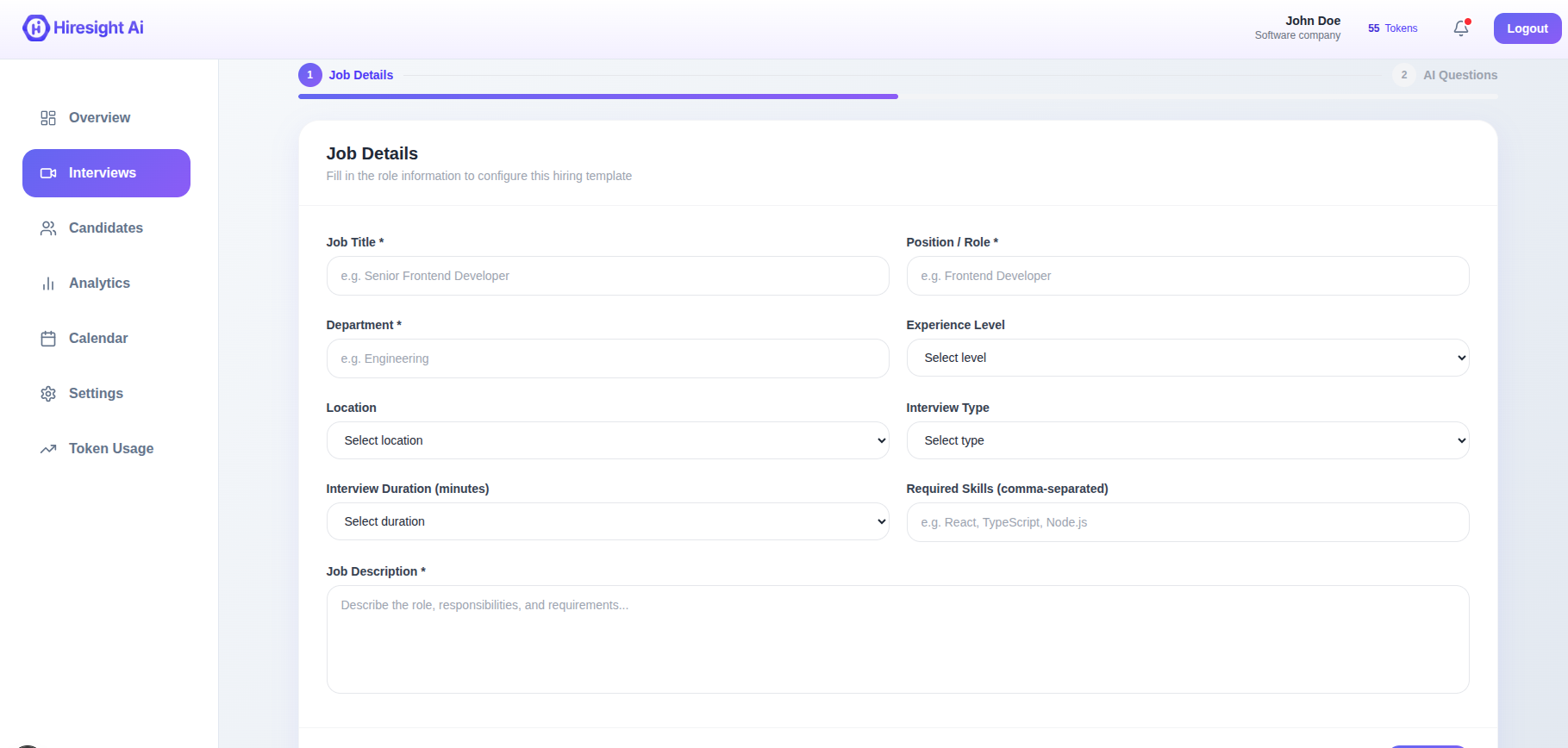
AI Recruitment Assistant

AI Interviews that Scale Your Hiring Team
13+ Years Surveying Experience

Interviews on Autopilot

HireSight talks with your candidates, evaluates their answers in real time, and delivers structured feedback your hiring team can act on — all while you focus on the people worth meeting. Built for hiring teams that move fast.

More Candidates Screened
1 ×
Less Recruiter Time Per Role
1 %
Always-on availability
1 /7
From Answer to Score
< 0 min

An interviewer that scales
with your hiring pipeline

Most hiring teams hit the same wall: too many promising résumés, too few hours to interview them. HireSight removes the bottleneck. Every applicant gets a real, structured technical conversation — not a one-way recording, not a cold form.

dashboard 4x3 1

Everything your hiring team
needs in one place

Voice-first Interviews

Candidates speak naturally; the AI listens, follows up, and probes deeper — exactly the way a senior interviewer would.

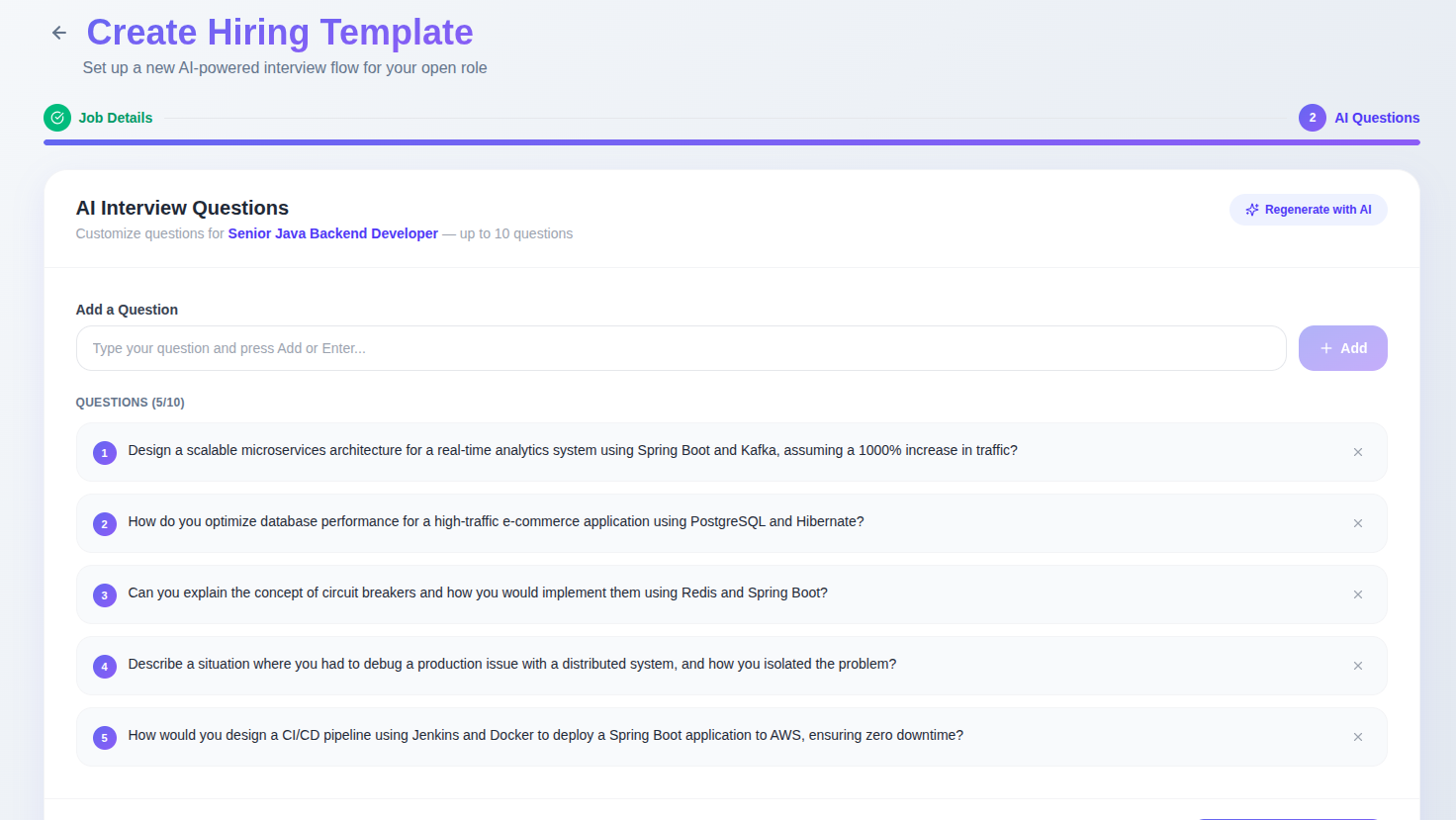
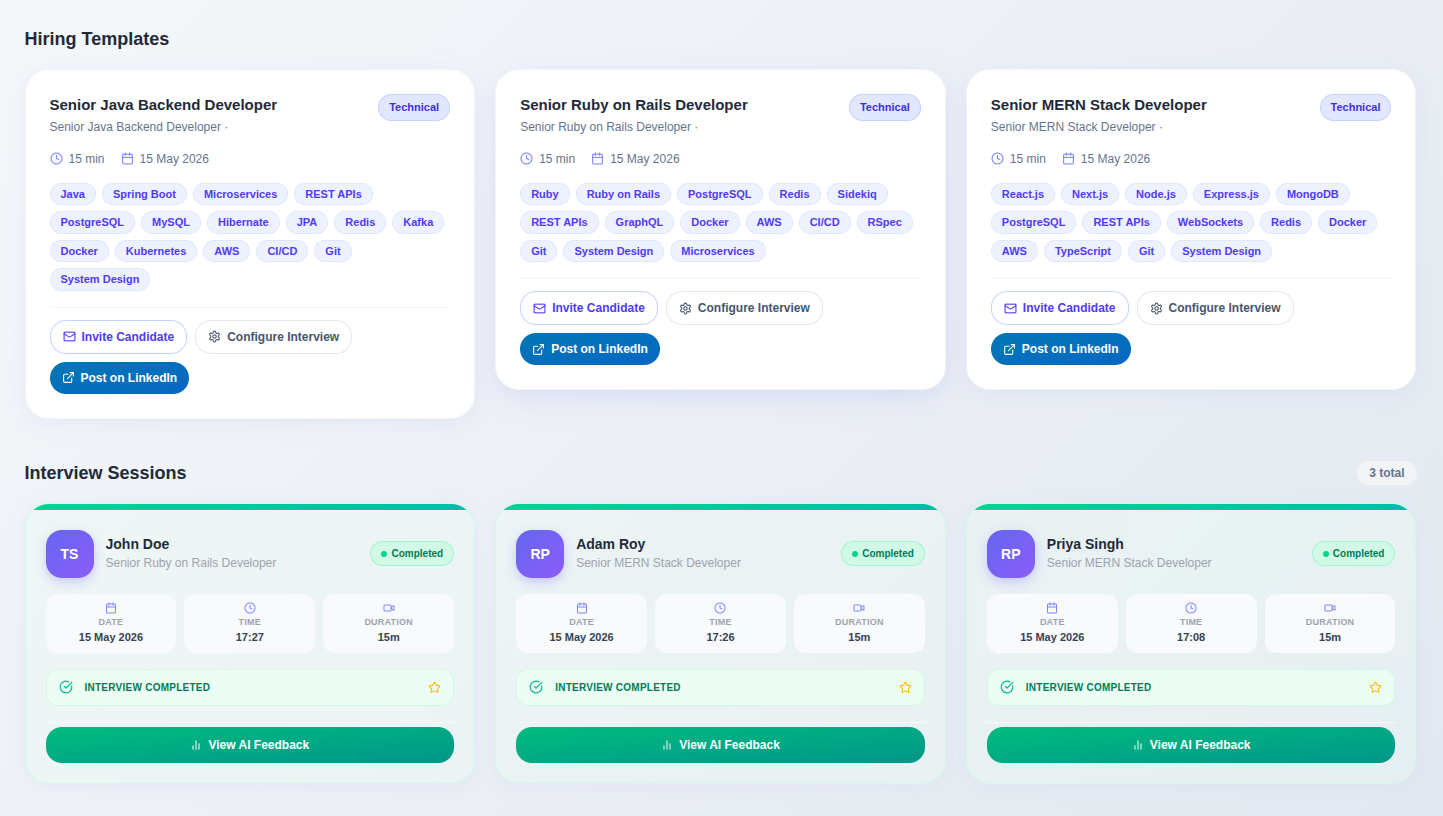
Reusable Templates

Build interview templates once for each role. Set the skills, the duration, and the difficulty — apply them to every candidate.

Structured Feedback

Every session produces a clear scorecard: skill ratings, strengths, weaknesses, and a hire / no-hire recommendation.

Adaptive Questioning

The interviewer reads each answer and decides what to ask next — drilling into vague responses, moving on once a topic is covered.

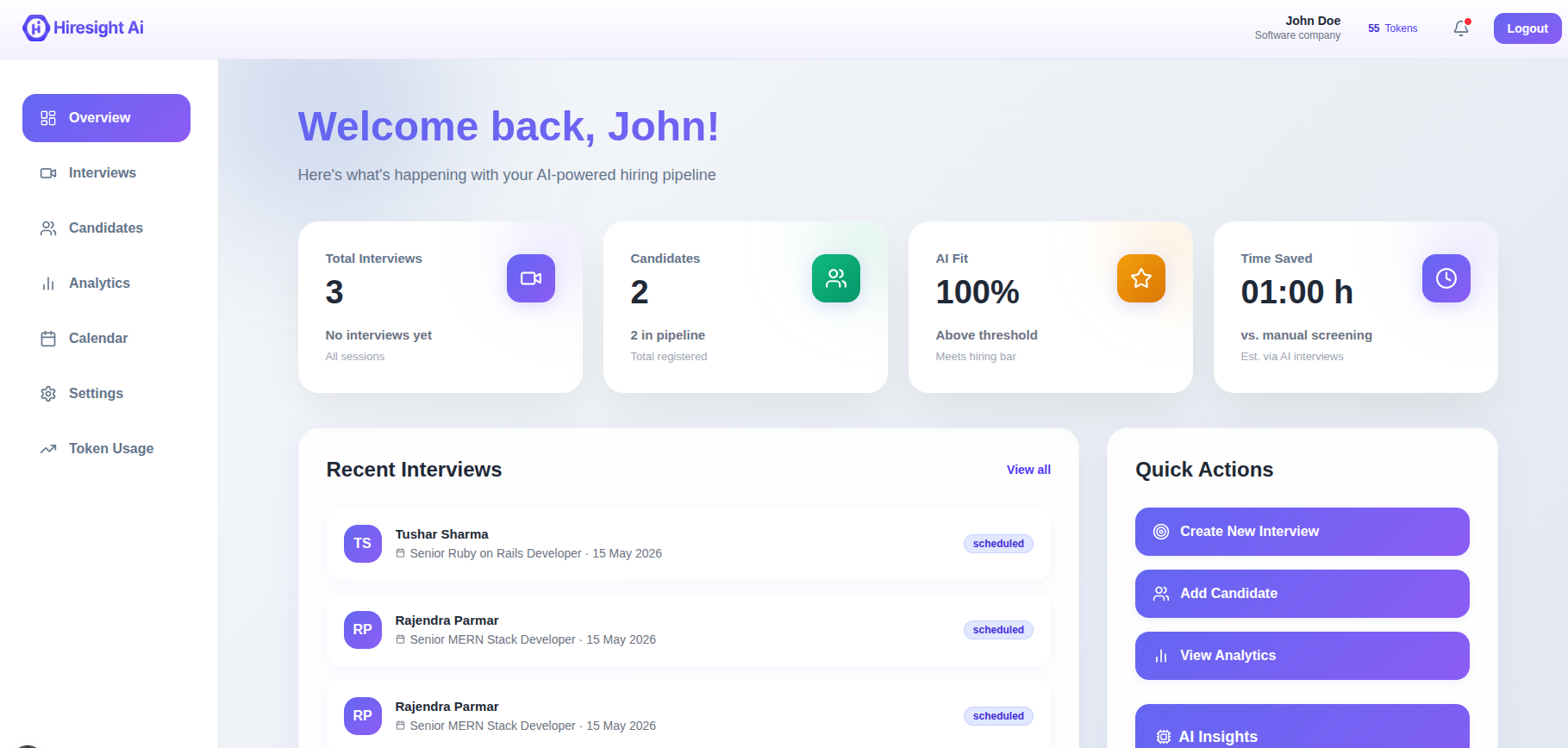
Candidate Dashboard

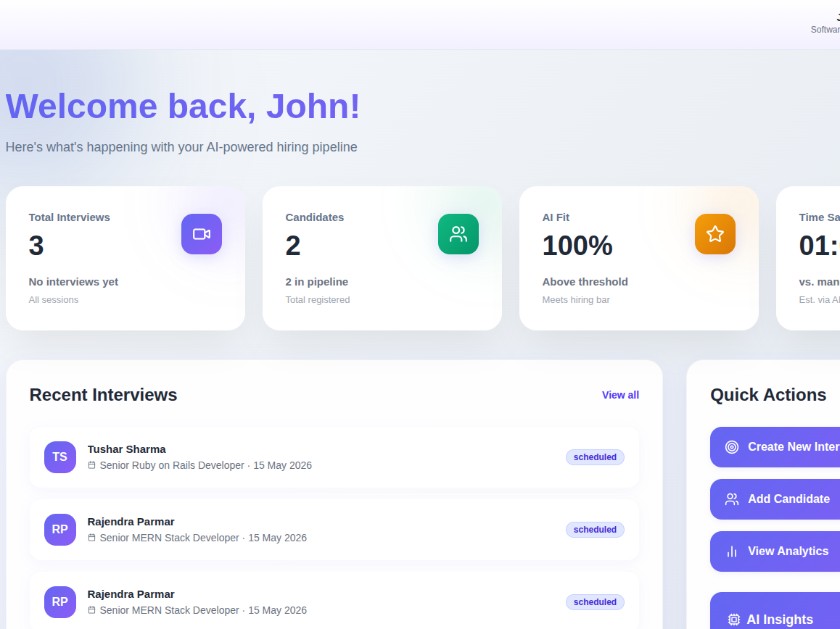
Manage every applicant in one place: profiles, résumés, interview history, scores, and notes — without juggling spreadsheets.

Hiring Analytics

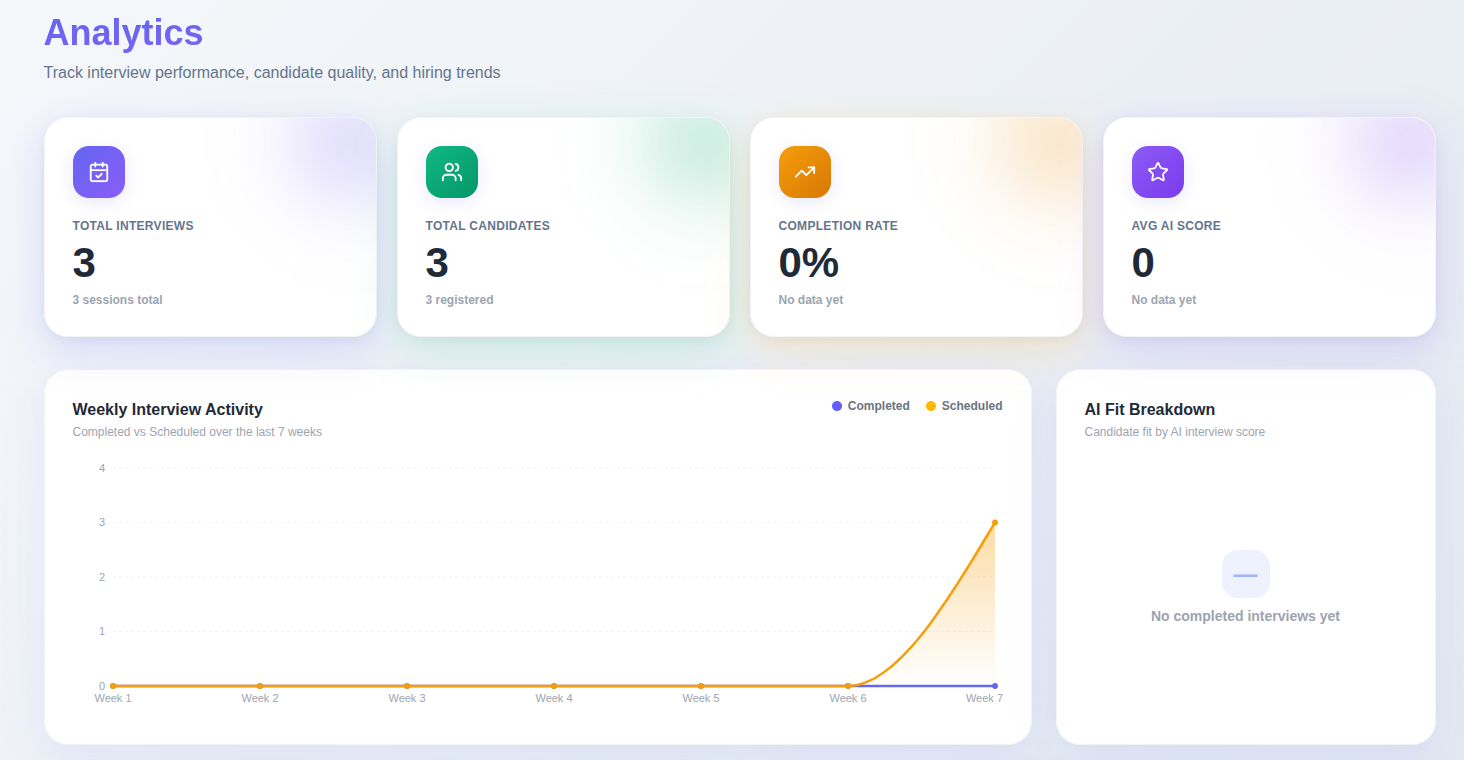
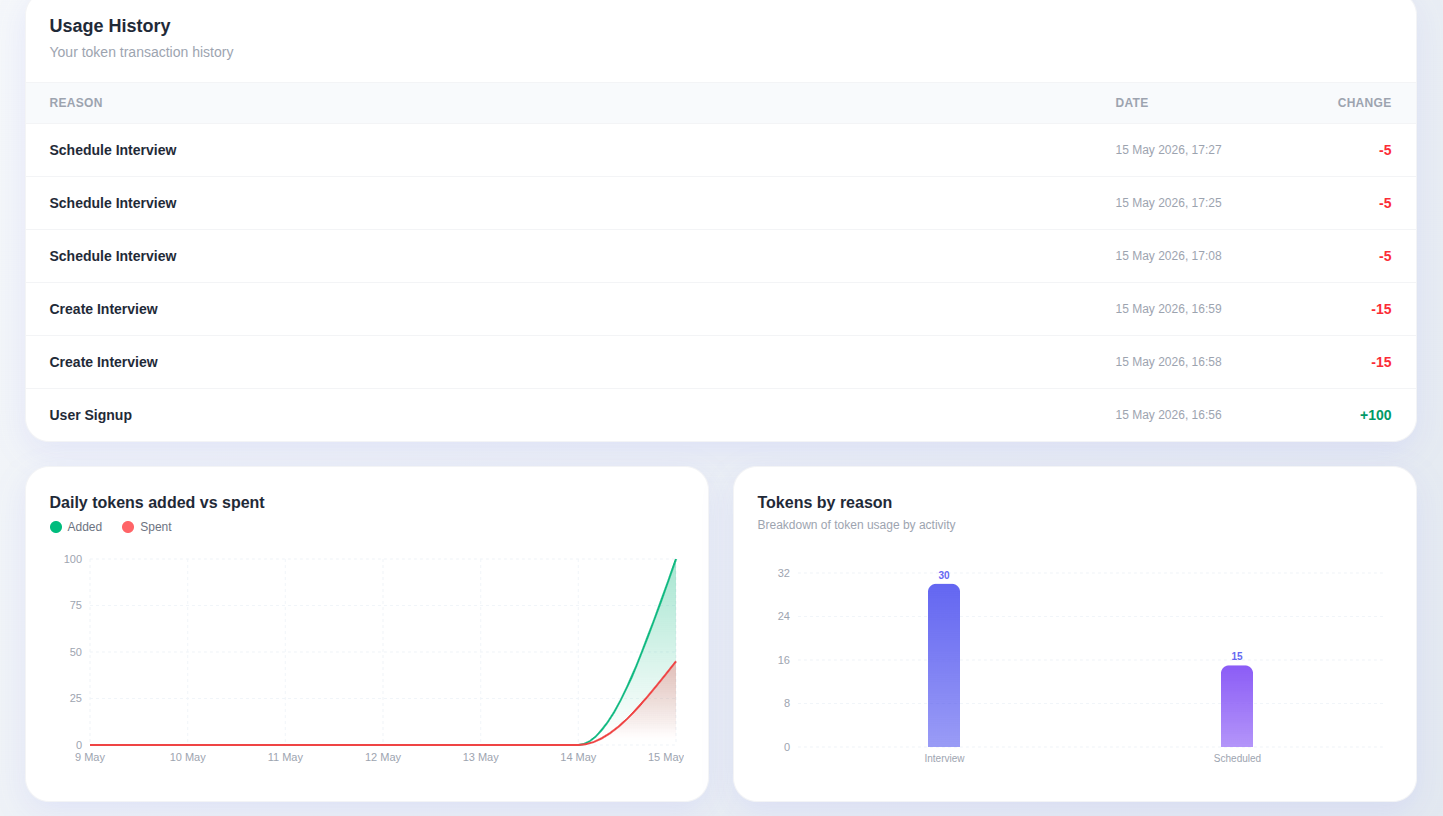
See pipeline volume, time-to-decision, score distributions, and conversion metrics across roles, teams, and time.

How it works

The whole flow runs without you needing to schedule, monitor, or follow up. Set it up once and the pipeline takes over.

1. Create the Role

Describe the role, pick the skills to evaluate, set the duration. Save it as a reusable template.

2. Invite Candidates

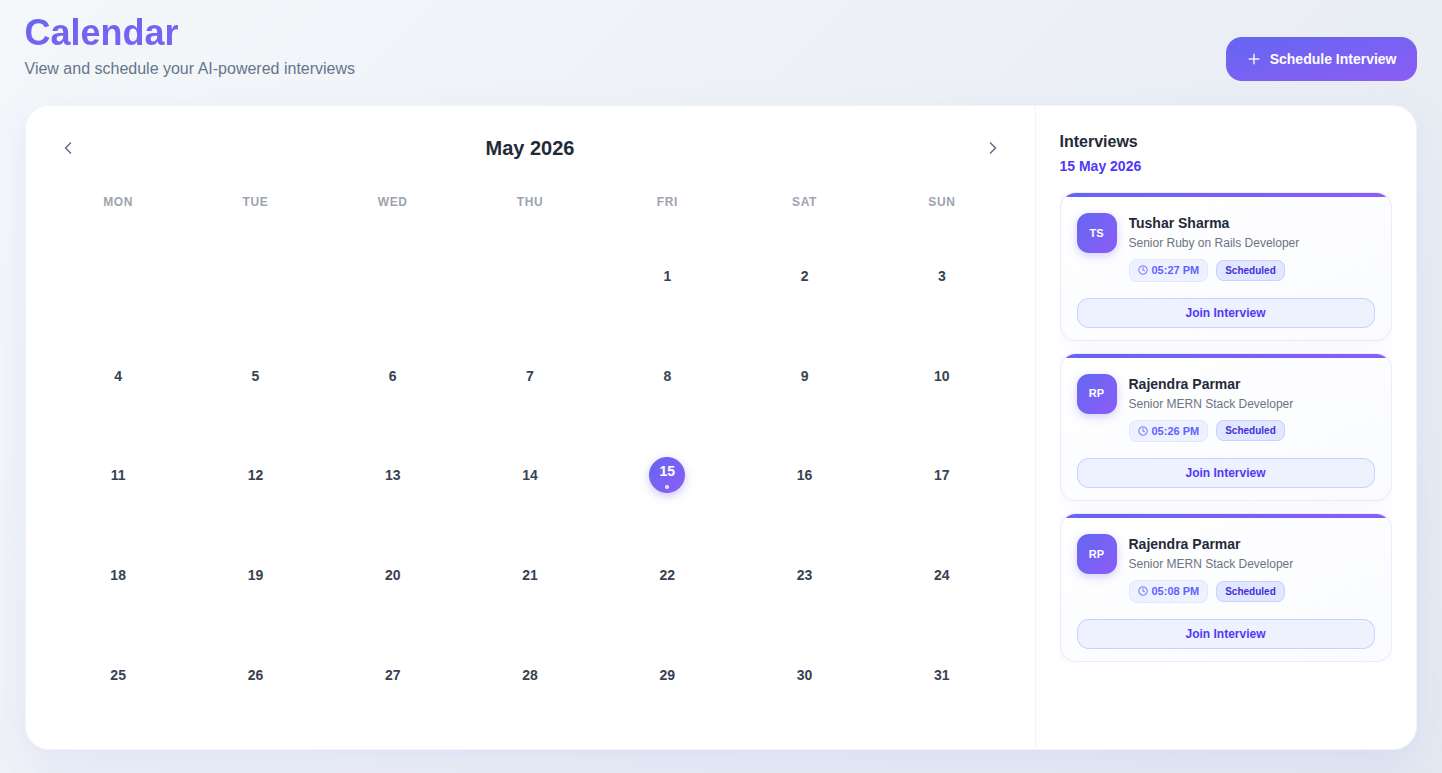
Send invites by email or share a link. Candidates open it in their browser — no setup on their end.

3. Interview Happens

Candidate joins, talks to the AI, answers each question, submits when ready. The whole session is captured.

4. Review the Scorecard

Open the dashboard, see the structured feedback, and move strong candidates forward in seconds.

A workspace built for hiring teams

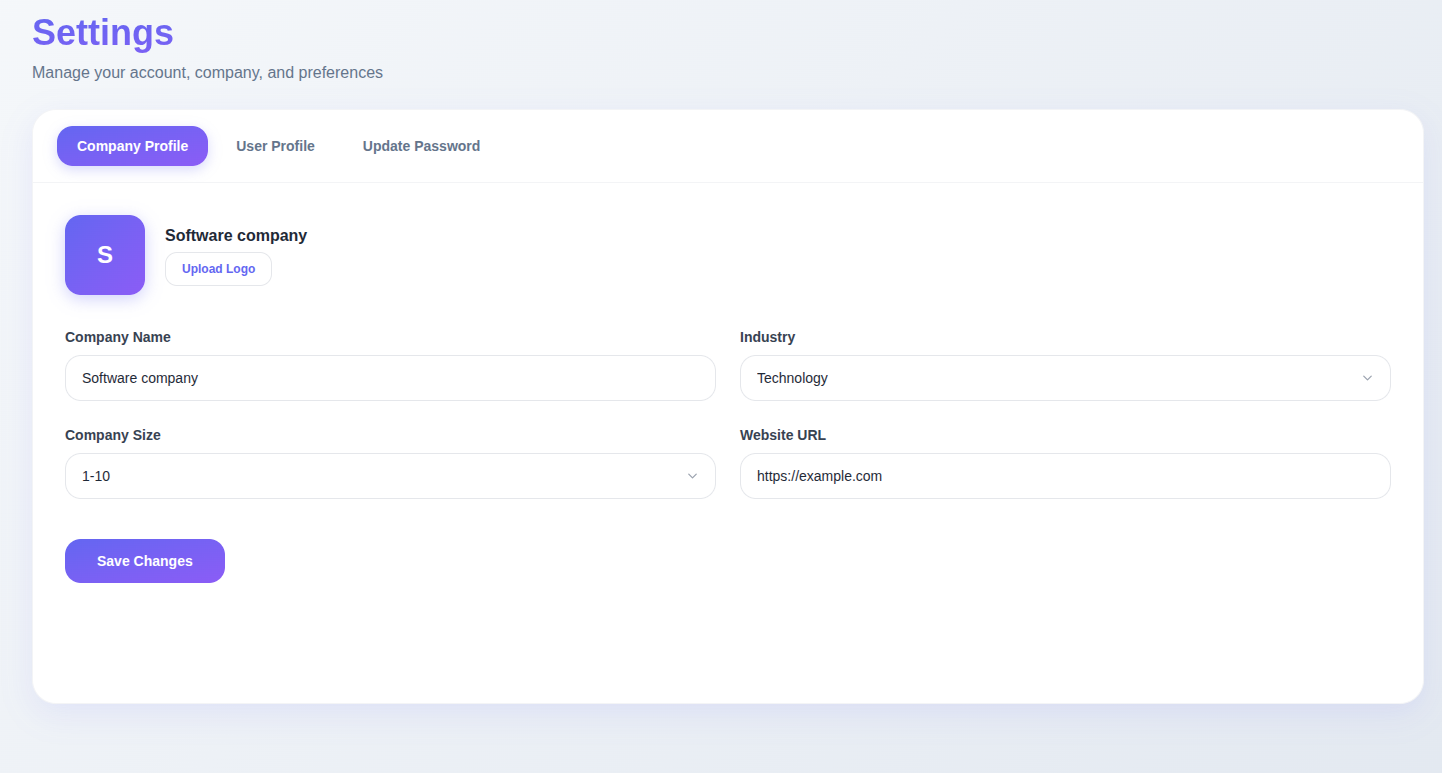
Every screen designed around one goal: getting your team to the right hiring decision, faster, with less manual work.